Hit enter to search or ESC to close
Finally, the website entry for each place has the GPS Google Coordinates at the top of the page.

These coordinates are also on every entry in website, and having them on the website lets you cut 'n' paste them into either the GoogleEarth or GoogleMaps searchbox with ease. Thus, as you look thru the written book to plan your NZ trip, I hope you'll have your computer open to the website while also having Google Earth open to cut 'n' paste the entry GPS address into the top left search box so that you can virtually "fly there" to see the spot on GoogleE-arth. ILOVE this.
Why don't other guidebooks do this?? Oh, just cuz their not trying as hard as I am. Consider the gauntlet now thrown down. This is my personal "game of throwns". Does it work for you? Please lemme [email protected].
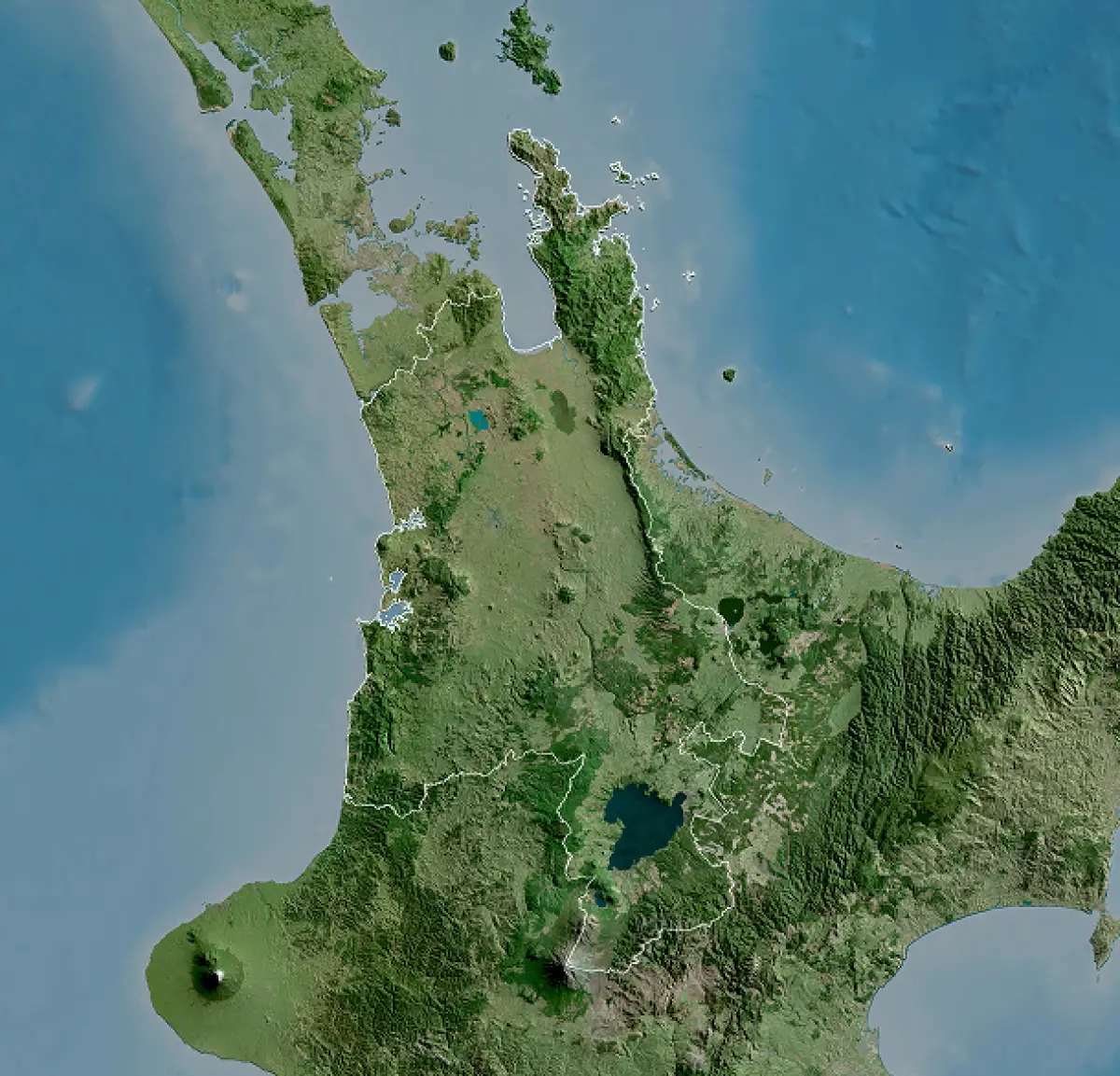
Every entry in the website, in the header box, has a set of corresponding GoogleEarth coordinates. These are coordinates I've lifted-off of GoogleEarth, in a GPS format that is easier to copy/write than the typical GPS address that has all those hash-marks and degree symbols. Just type the numerals into the GoogEarth/Maps search box and voilá, you're "virtually" there... easy-peasy. I've chosen to make the coordinates point to the carpark for the location, where the hike/outing begins, rather than the exact spot of, say, the waterfall/cave/trail. I've placed photos onto GoogEarth's Pano-ramio overlay which should help you find the exact location of the waterfall/ cave/trail, etc...but first you'll need to know where to drive to in order to start the outing.
And, as I said in the above website dialog, the Google Earth coords are
on every entry on the website for easy cut 'n' pasting.